
Jekyll Tool Review | Scripted

Static site generators are quickly becoming a big part of the professional website builder's toolbox. There are many obvious benefits to serving static HTML files, such as easier caching and a more secure environment overall. Each generator produces a different output that offers its own pros and cons in style or functionality, and one of the leading solutions is Jekyll.
Jekyll is a leading solution because it was one of the first; it began in 2008 and was started by Tom Presto-Werner, who is also the founder of GitHub. It has strong integration with GitHub, offers great documentation, and it offers a large number of themes.
What to Consider When Looking for a Static Site Solution
Jekyll is a static site generator and will be well-suited for content that changes infrequently once it's been published. If the website has dynamic elements, such as blog comments or form builders where input from user data generates new pages on the fly (i.e., dynamically), Jekyll would not work so well.
Jekyll is ideal for sites containing no more than a few hundred pages with a couple of new posts every week. Jekyll is so popular because it offers budget-friendly and low-maintenance alternatives to CMS platforms, allowing developers the flexibility of not having to worry about updating content every time they make changes that require new code or data input from users.
Everything that gets generated has to be within source control. This includes the website's content and code used for HTML production. The way Jekyll makes websites so fast is by generating only what you need on your computer before pushing it up to GitHub Pages or any other service hosting server-side HTML files.
In order to build a site with Jekyll, you need to be a somewhat advanced developer (or have one on your team). Global configuration relies on the command line and Markup in order to get everything set up. One-click installs aren’t an option, and there isn’t an app with a one-click install like there is for WordPress. Some people find the set-up difficult, especially because it’s built with the Ruby programming language and requires the sid environment to be installed on your computer (which is no fun on Windows).
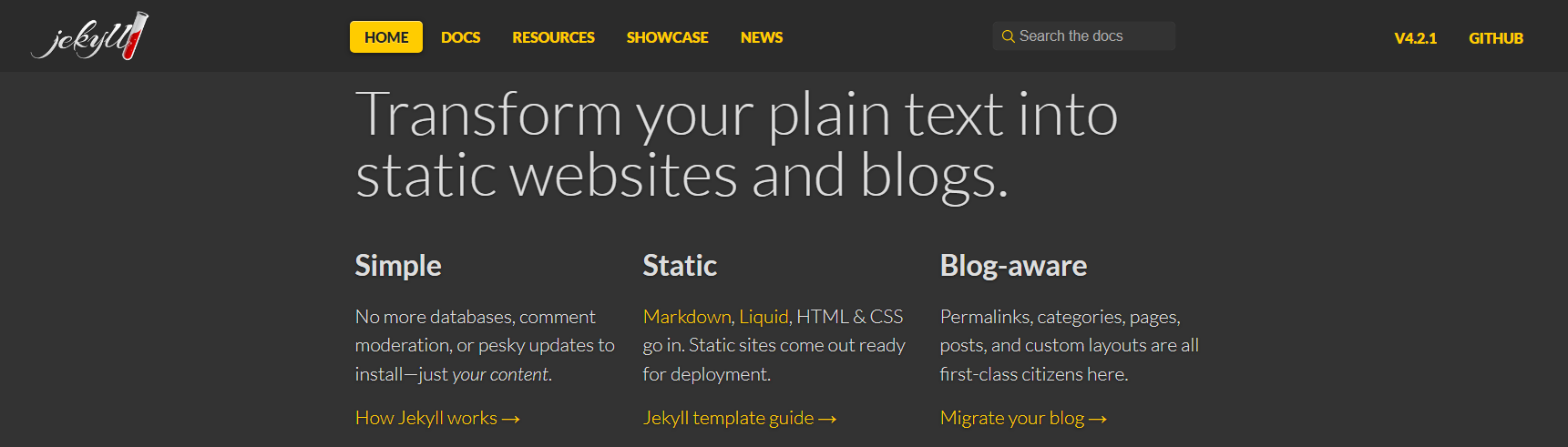
Jekyll is a static site generator that transforms plain text into static websites and blogs. The website can be hosted anywhere; no PHP or database is needed. It’s a file-based CMS that renders your content, Markdown, and Liquid templates to create static web content. Jekyll was created by GitHub as their engine behind the website hosting service they provide on top of using Ruby for the back end language with no database storing information necessary. Today, companies that use Jekyll include Netflix Devices, IBM MobileFirst Foundation, Digital Democracy, and AWS Amplify. Themes are available for free or with paid options. Jekyll’s themes are built on Shopify’s Liquid templating engine, eliminating the need for custom code.

The prerequisites for building on Jekyll are:
- Ruby version 2.4.0 or higher
- RubyGems
- GCC and Make
The Jekyll installation guide provides specific instructions for each operating system, including macOS, Ubuntu, Other Linux, and Windows.
Some of Jekyll’s competitors are Drupal, Medium, and LiveJournal.
Pros of Jekyll
- Strong integration with GitHub
- Supports the Liquid template engine
- Default theme
- Blog centric
- Excellent documentation
- Supports chronological content
- Third-party Jekyll plugins are available for customization
- Easy migration: migrating data from existing blogs and web pages is straightforward
Cons of Jekyll
- Slow build times for large sites (some report that version 4.0 improves this issue)
- Enterprise features are lacking
- Requires knowledge of Liquid (HTML), Sass (CSS), and Markdown (content) files to add content
- There’s no built-in support for live reloading, minification or asset bundling
- Requires third-party software or services to support contact forms
Jekyll Features and Benefits
Security, Speed & Simplicity
Jekyll is a free, open-source tool for blogging. It's lightweight and easy to set up on any hosting service that supports Ruby gems. The developer claims "it doesn't make much sense to attack Jekyll" because it does not have CMS, databases, or scripts which could be manipulated by hackers ("PHP," JavaScript).
Jekyll is more efficient because it doesn't generate pages dynamically but instead returns existing files. This means that the server has to do less work-- which makes Jekyll sites faster and smoother than those on WordPress.
Jekyll is simple to use (for those who have experience with Liquid (HTML), Sass (CSS), and Markdown (content) files. The minimalist code saves users time on the setup and configuration, and the lightweight framework doesn’t allow for add-ons or modifications that will slow down the site as it grows.
Uploading content is easy, too. Entrepreneurs and small businesses can buy blog posts from copywriters, download them from the dashboard, turn them into .txt files, and seamlessly upload the content to the site.
Architecture & Reliability
Jekyll gives you the ability to store your entire site in version control. You’ll never have to worry about upgrading and losing content because it's all backed up on GitHub or git hosting that you choose.
Jekyll also allows for easy page building with front-end editing features out the box without additional plugins required! With the plugin architecture, it is relatively easy to add functionality with Jekyll. The community has created snippets of code that can be used or you can write your own in a short amount of time.
Customer Reviews

Individual bloggers have hundreds of reviews for Jekyll’s static site generator, but since it’s been around so long, many of them are outdated. Below is a compilation of reviews that focus on Jekyll’s latest iteration from a variety of users:
“We use Jekyll as a basic content management system framework for building basic, static, (and mostly freely hosted) websites. Generally, the websites are either small prototypes, landing pages for new products or something new we're launching, or even as a basic blogging platform for one of our community-driven technology sites. Jekyll helps you get up and running very quickly with a bare-bones blog enabled site.” -Senior Drupal Developer, LevelTen Interactive
“Jekyll is a joy to use for people who aren't intimidated by HTML, CSS, and Markdown. It gets out of your way, giving you the power to build a website that would be a pain to build in straight HTML, but without imposing the needless complexity so many other CMS's bolt-on.” – Programmer, Simple Updates
“Jekyll is a great, fast alternative to a traditional CMS for developers...It's tied into GitHub, so deploying changes is super easy (as opposed to deploying elsewhere).” – Engineer in IT, Higher Ed
Jekyll Pricing
The best part of Jekyll pricing is that it’s tied into GitHub Pages, so it’s free. No hosting. Free themes.
Free and Paid Options are available:
- Premium Themes: Jekyll premium themes range from $19.00 - $99.00
- Plugins: Most Jekyll plugins are free at planetjekyll
- Integrations: Most third-party integrations are not free, but compared to theme and plugin prices for WordPress, the overall cost is usually lower.
- Memberspace - Membership Integration, available with a monthly subscription.
- Forestry.io offers a Headless CMS for Jekyll sites. It gives users the option to edit the content on the site with a WYSIWYG editor. Pricing ranges from free to enterprise with a few options in between.
- Formspree.io Plans range from free to subscription for adding forms to your Jekyll site.
Alternatives to Jekyll
The list of cons for Jekyll isn’t long, but for those who don’t have experience or like working with Ruby, there are several alternatives to consider.
Hugo
If Jekyll is the most well-known static site generator, Hugo is the second most well-known. The two are often compared by tech sites and bloggers, but they’re very similar with one notable exception: Installation. One of the biggest complaints about Jekyll is the difficulty of set-up, especially for those without a Ruby environment. Hugo offers a simple install with Golang (or Go for short). Users don’t need to install Go for set-up, precompiled binaries are available at GitHub.
Pelican
Do you prefer working in Python? Pelican is the static site generator for you. Both Jekyll and Pelican are open source, but Pelican is better for those who prefer to work in Python and want something a bit more sophisticated.
Gatsby
Out of all static site generators, Gatsby allows for the most sophisticated features. Gatsby will turn a template into a static website, just like Jekyll and Pelican. With Gatsby, web developers can use their favorite modern tools while also using React for templates. Gatsby requires a bit more framework knowledge than the others; including modern JavaScript (ES6).
If you’re ready to launch a static site but don’t have little to publish, Scripted can help. Choose from a Scripted Membership, Cruise Control, or Content Tune-Ups for existing content that needs a refresh.
Power Your Content Marketing with Scripted

Scripted Membership Plans keep your site stocked with content, every month. Don’t have time to plan a content calendar and guide the writing team? Scripted services can take care of your content creation needs for your business or agency.