
GA4 and AI: Real-Time Insights for Real Results
Discover how the integration of Google Analytics 4 (GA4) and AI can transform real-time content optimization, conversion...

It can take a human being anywhere between 4-10 hours on average to transcribe a one-hour audio track. For this reason, the advent of transcription software has been a game-changer for businesses, content creators, musicians, and others who need to work with audio files regularly. Transcription software takes an expensive and time-consuming task and turns it into a quick and easy job requiring very little human input.
That said, we know that the world of transcription software can be overwhelming. There are many different options, each with its strengths and weaknesses. We put together this list to help make it easier for you to find the right software for your needs!
Transcription software is an automated means of converting audio or video into a transcript in text format. Working with transcription software is usually straightforward: you upload your audio or video file, and then the software analyzes the audio data in that file using speech-recognition technology. The resulting analysis is then converted into text (speech-to-text functionality) so that it can easily be read, searched, modified, or exported for further use.
While some users may be concerned about the software ‘listening’ to them, most speech-recognition technology providers actually rely on very complex natural language processing (NLP) and machine learning (ML) algorithms to analyze the data. This means that no one, or ‘nothing’, truly listens and understands the data in real-time. That said, some transcription software services use humans to ensure the quality of the outputs (called ‘human in the loop’ services). Human-in-the-loop services could mean that someone has access to your data, or parts of it, for quality control (note that they are very likely to be bound by confidentiality rules in their employment).
Transcription software has numerous applications. Here are just a few of the ways it can be used:
With transcription software offering a quick and cheap means of converting any audio or video file into text, the options for its use are endless.
Not all transcription software is created equally, and it is easy to fall into the trap of simply choosing the first one you see when you need to get a job done quickly. You do, however, need to be careful in doing this. Some companies, for example, do not offer strong privacy guarantees, and some might fall short of data protection regulations altogether. This means your private data could be used or sold without your consent. Here are some tips to think about as you consider the transcription software options below:
With countless options available, we’ve narrowed down the top 7 transcription software providers that you should consider for your next transcription project:
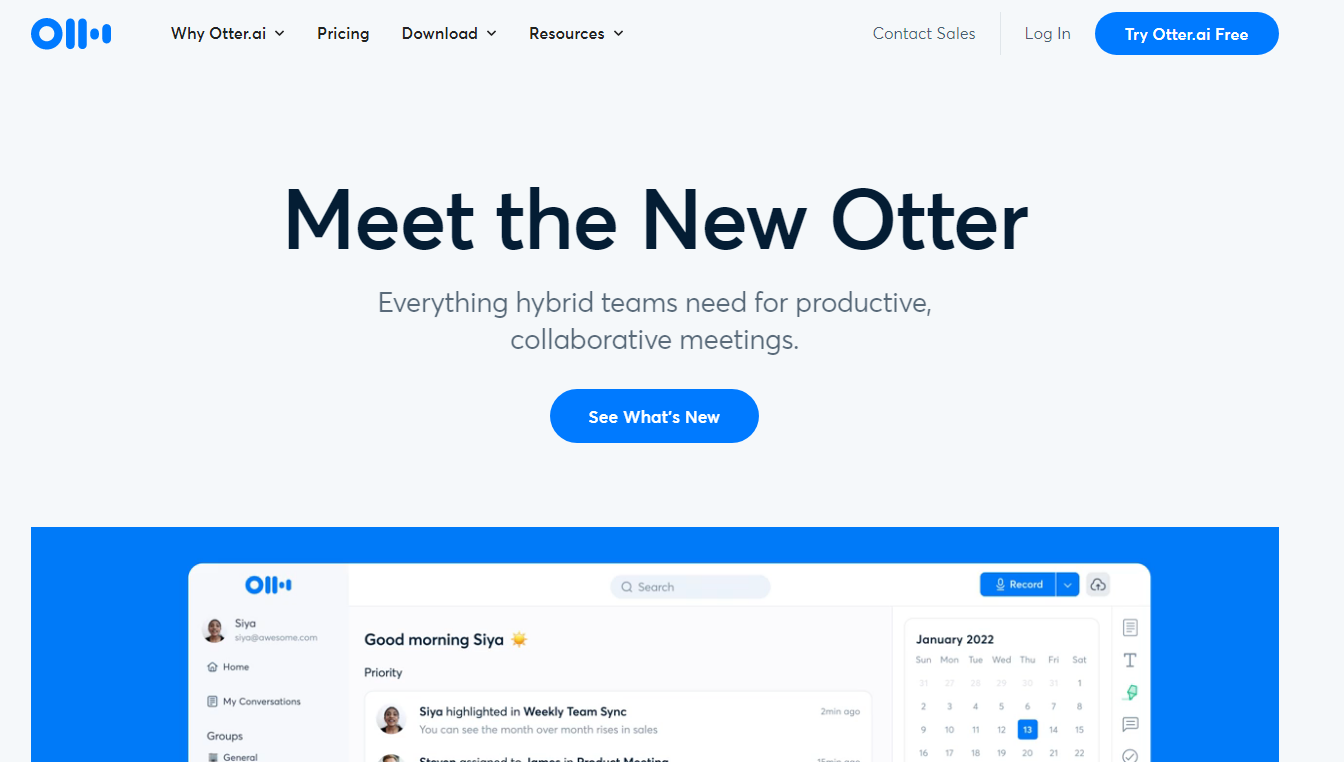
Otter.ai made waves in the transcription world (excuse the pun!) when it released its technology that automatically recognizes speakers’ voices in conversations and interviews with multiple parties. It consistently shines among the highest-ranked transcription tools because it is feature-packed and straightforward to use.
Otter.ai has a free plan, a Pro plan at $12.99 p/m, and a Business plan at $30 p/m. You can save 36% by paying for an annual subscription, and Enterprise options are available.
Available on iOS, Android, and as a Chrome extension, Otter.ai is a versatile tool. Visit the Otter.ai website or search on individual app stores for the latest version of the app.
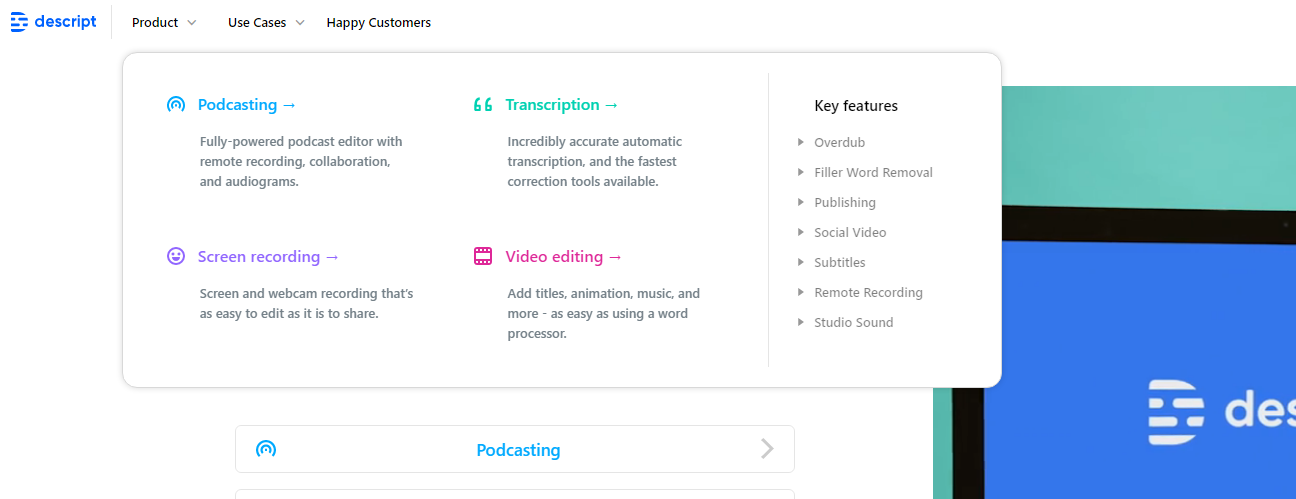
Descript is a transcription tool with a built-in editor that ensures you can take the automatically generated transcriptions and edit them until you’re happy with the final output.
Descript has a free plan, a Creator plan at $15 p/m, and a Pro plan at $30 p/m. Annual subscribers save 20%, and as is expected, Enterprise solutions are available via their sales team. Discounts are available for students, educators, and nonprofits.
Descript is a web-based platform available through the official Descript website.
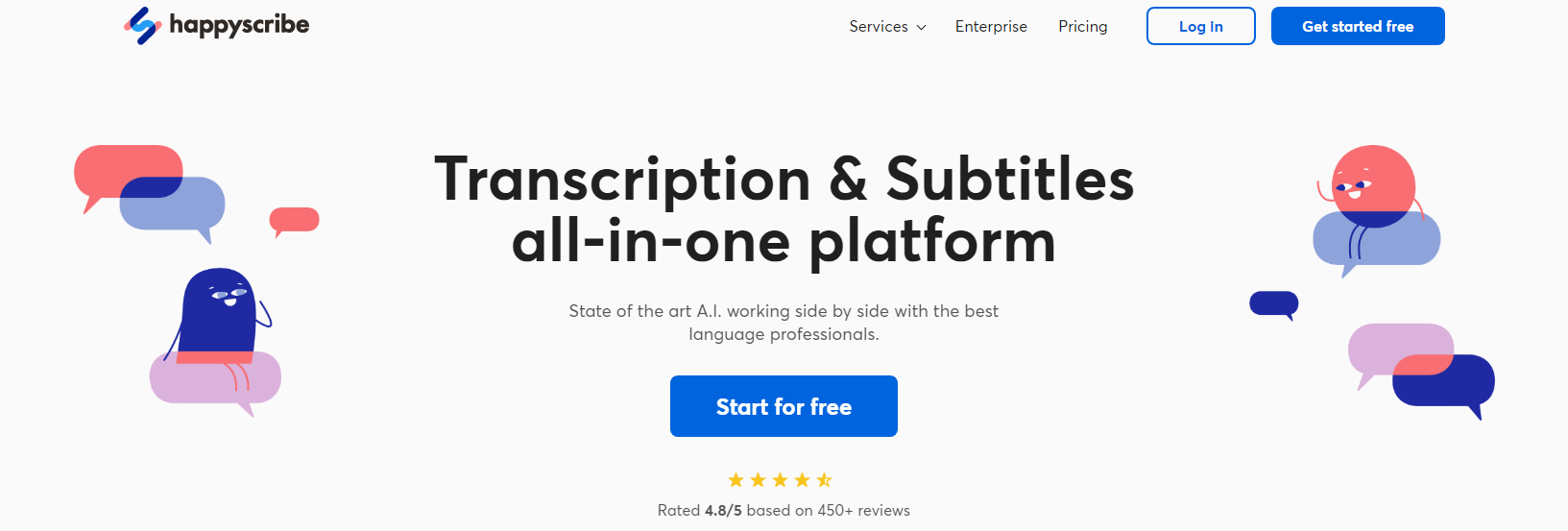
Happy Scribe is a transcription software focusing on subtitle generation for television and cinematic programming as well as online content like YouTube videos, workplace-hosted training videos, and digital courses.
Pricing is based on usage and whether there is a human-in-the-loop. Automatic (non-human) transcription is $0.20 per minute. Human options include their ‘Human-made’ plan (automatic with human quality assurance), costing $2.25 per minute, and ‘Human translation’ (full human transcription), costing $24.79 per minute.
Happy Scribe is a web application available through the Happy Scribe website.
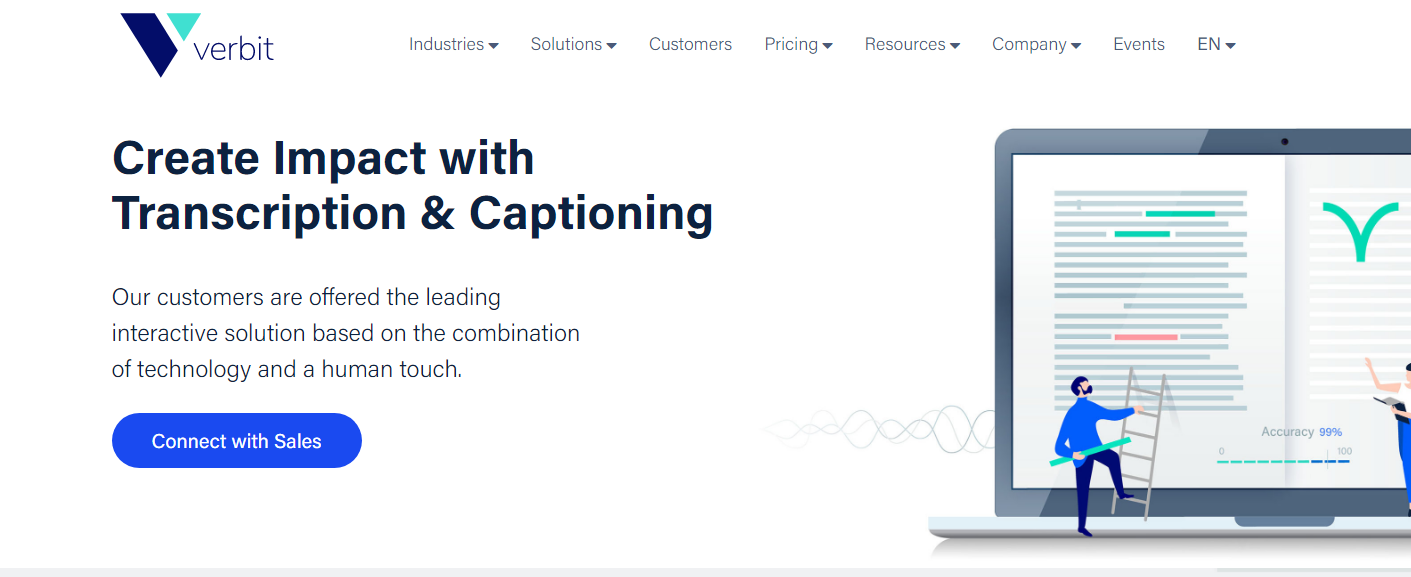
Verbit is a sophisticated transcription tool aimed primarily at large institutional users like libraries, courts, government departments, and schools. Boasting CNBC, Johns Hopkins, and the Library of Congress among its users, Verbit is an enterprise-grade solution with some of the best human-assisted technologies in the business.
Verbit’s pricing depends on the user’s industry and the required service level. Standard, Professional, and Premium plans are available for different sectors (education, business, law enforcement, etc.). Pricing can be requested through their sales team.
Verbit is an online transcription platform available only through the Verbit website.
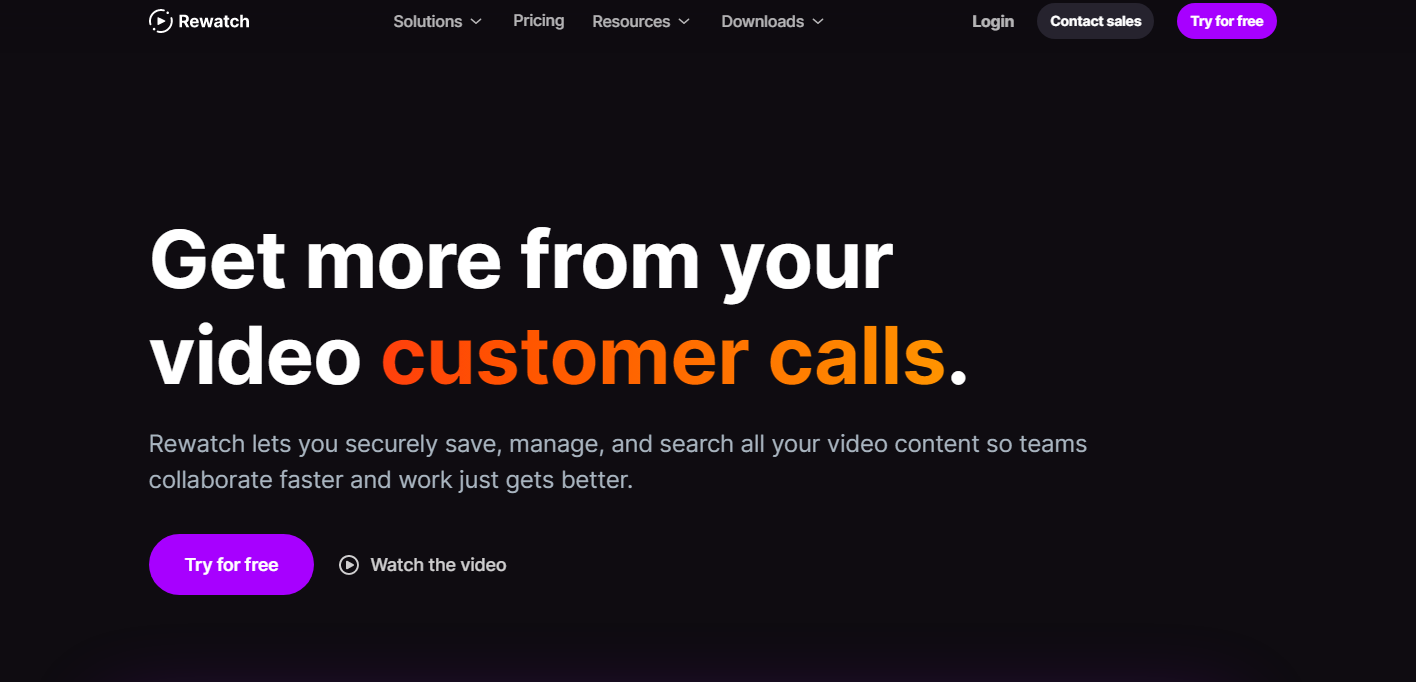
Rewatch is a platform that allows you to store, search, and manage all of your video content in one place and access extensive video editing and transcription offerings. A highly-regarded solution, Rewatch is used by leading technology companies, including Brex, Vercel, GitHub, zendesk, AngelList, and Envoy.
Rewatch prices start at $7.50 p/m for their Startup plan and increase to $15 p/m for their Business plan. Annual subscribers save 20%, and bespoke Enterprise plans are available upon request.
Rewatch is a web-based application with mobile apps for iOS and Android and a downloadable Mac or Windows screen recording application.
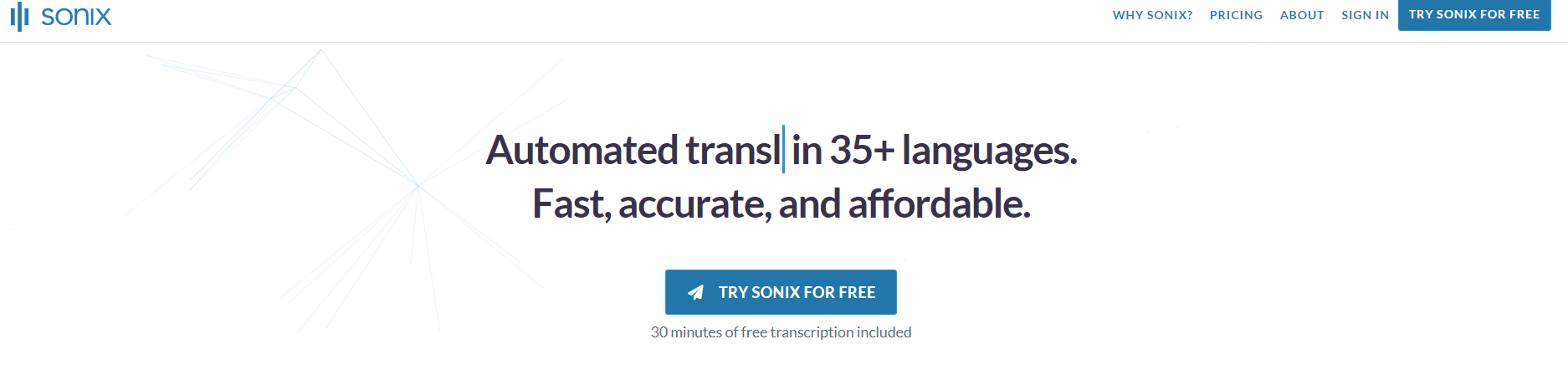
With independent verification as the most accurate speech-to-text transcription software offering, Sonix.ai is an excellent choice for those who need swift turnarounds on their transcriptions with minimal editing time. It also boasts over one million users using the app to transcribe over 35 languages.
Sonix.ai offers a basic pay-as-you-go model starting at $10 per hour, with lower pricing of $5 per hour plus $22 per user per month available for users who need more frequent transcription and collaboration tools. Enterprise solutions are available.
Sonix.ai is only available through its official website and, as yet, is not offering mobile applications or browser extensions.
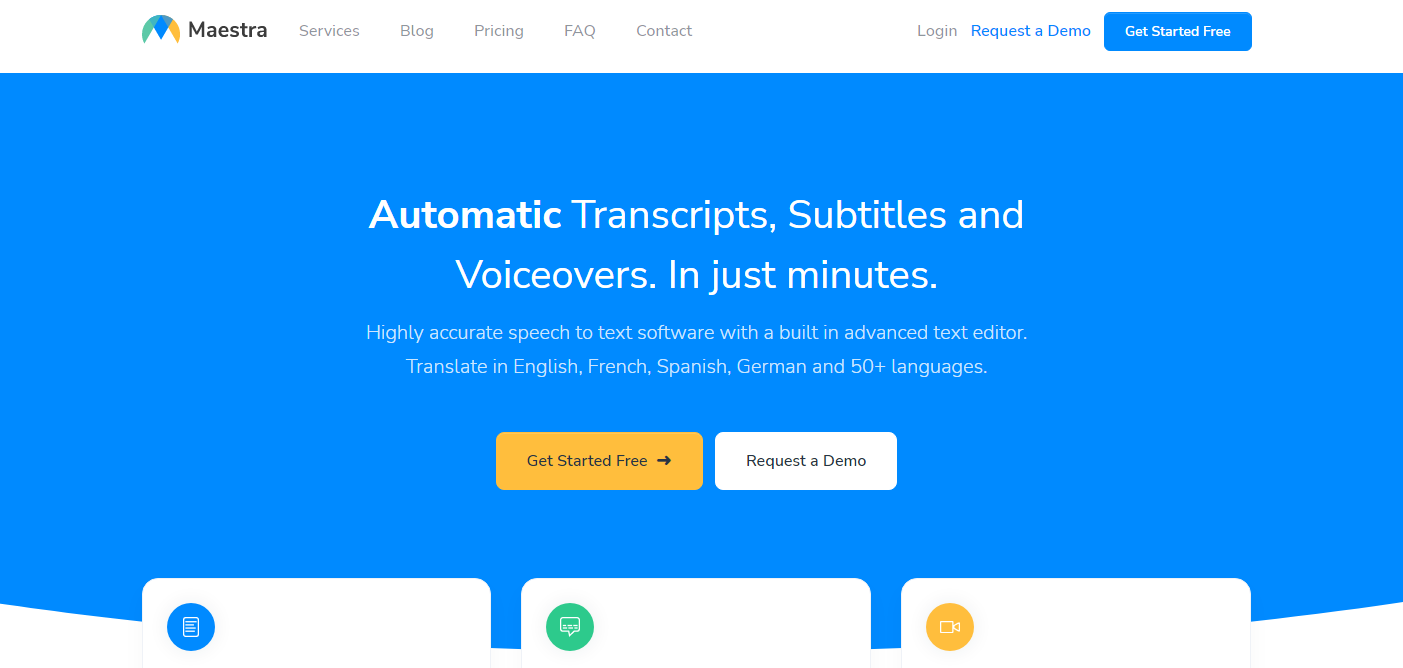
Maesta helps you produce transcriptions, subtitles, captions, and voiceovers in minutes using AI. The platform is multi-language with real-time translation into over 50 languages currently supported, making it a no-brainer solution for users that have international audiences.
Maestra has a pay-as-you-go option for individual users available at $10 per hour, with a lower pricing option of $5 per hour available for team users willing to pay $29 per user per month ($19 per user per month if paid annually). Enterprise options are available.
Maestra is available through its official website at maestrasuite.com. At present, no mobile applications or browser extensions are available.
Looking for highly vetted transcription writers who know everything there is to know about speech-to-text and transcription software? Look no further than Scripted, the copywriting platform that makes it easier than ever to find and work with professional writers. Leveraging our proprietary SmartMatch software, you can readily work with freelancers with the industry expertise, skillset, and experience level required by your project. To get started with a talented transcription software writer today, start your free 30-day trial.